
Stopwatch and laps
Time a session, mark laps and share the results while paused.
Start, pause and resume
- Open Stopwatch and tap Start.
- Tap Lap whenever you want to mark a segment without stopping the total.
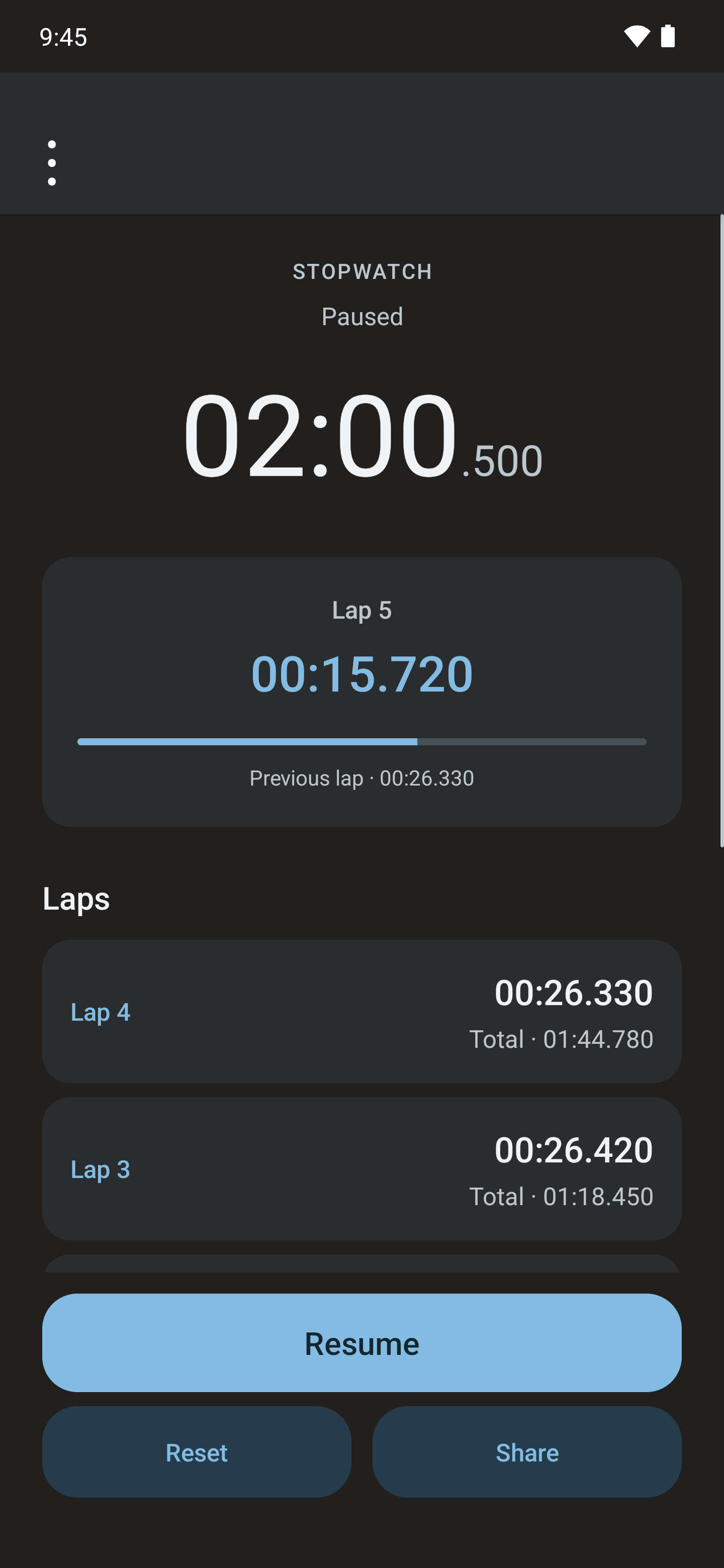
- Tap Pause to stop measuring. Resume continues the same session.
- While paused, use Share to send the result through the application you choose.
Read the laps
The list distinguishes each lap's time from the cumulative time since starting. The current lap is compared with the previous one so you can see how its duration changes.
Times display milliseconds and can span several days. This display is not a certification of sporting precision and does not mark laps automatically.

Reset a session
Reset returns the stopwatch to zero and clears the session's laps. Share results first if you want to keep them.
The app saves the session on the device to restore it when you return to the screen. It does not provide a workout archive: clearing app data or uninstalling can remove the saved session.