Run several timers together
Create named countdowns, switch between them and pause each one separately.
Start a countdown
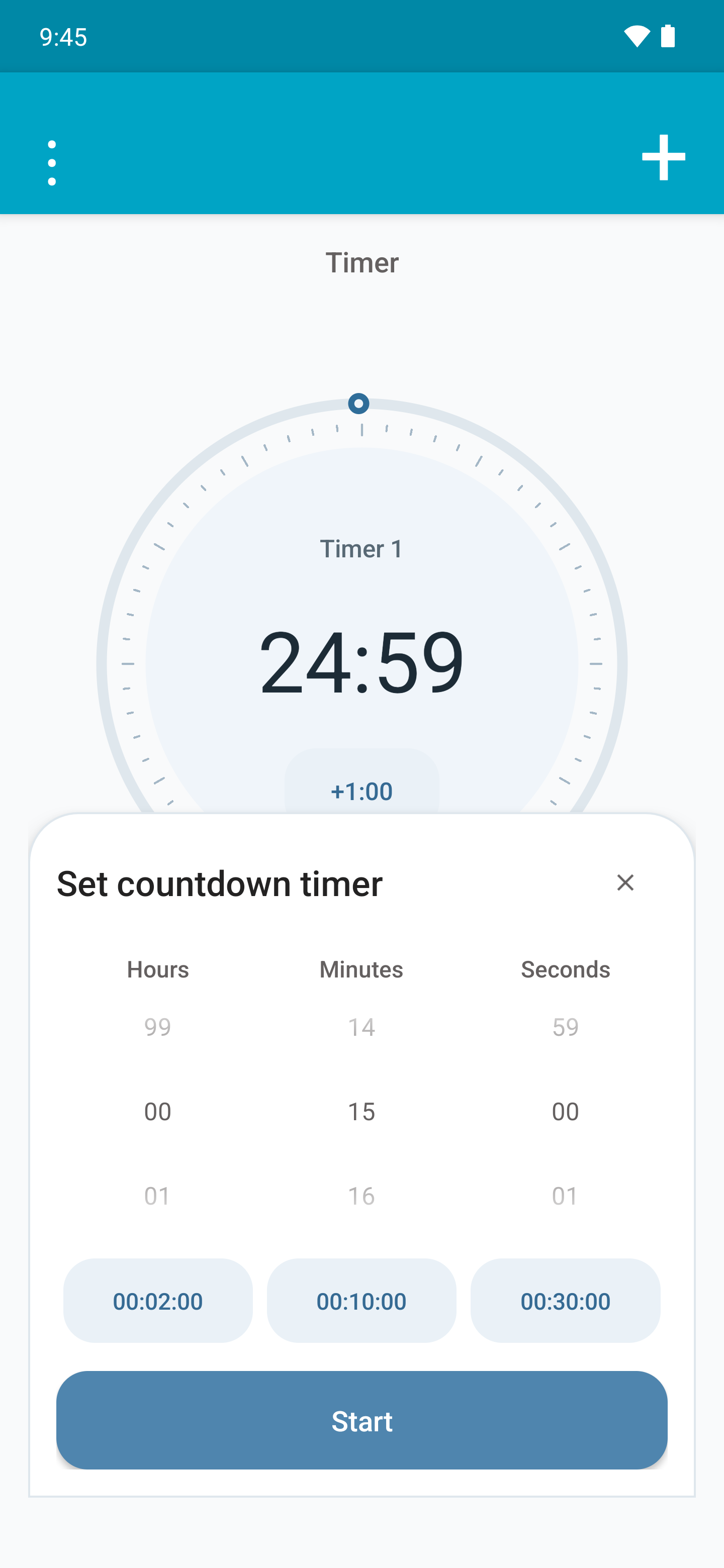
- Open Timer and tap + to show the creation panel.
- Set hours, minutes and seconds and enter a name, such as Pasta. The picker supports up to 99 h, 59 min and 59 s.
- Tap one of the three preset durations to fill in the time if you wish. Tap Start.
- Tap + again to add another timer; the previous one keeps running.

Switch, pause and delete
Swipe horizontally between timers. The controls apply to the timer currently in view.
Tap Pause to temporarily stop that countdown and Resume to continue with its remaining time. The other countdowns do not pause.
Use Delete to remove the selected timer. When a countdown finishes, stop its alert; if several alerts have completed, the screen lets you stop all of them.


Change presets and sound
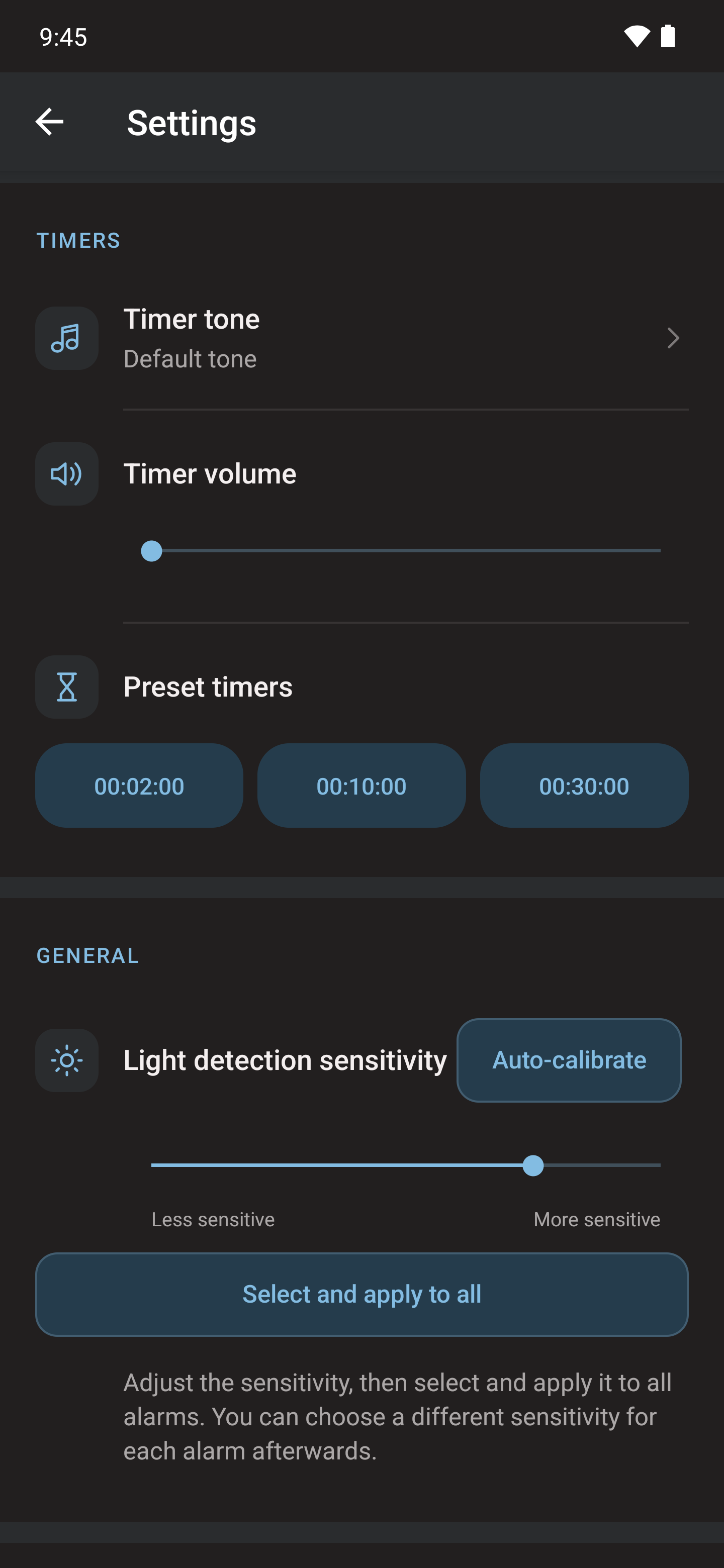
In Settings, under Timers, edit each of the three preset durations. You can also change the timer alert tone and volume.
If Android requests alarm and reminder access, grant it and start the countdown again. If no alert appears when it finishes, review notifications and battery settings in the permissions guide.